Desktop API client · 1.0.0
Write the request,
send it, see it.
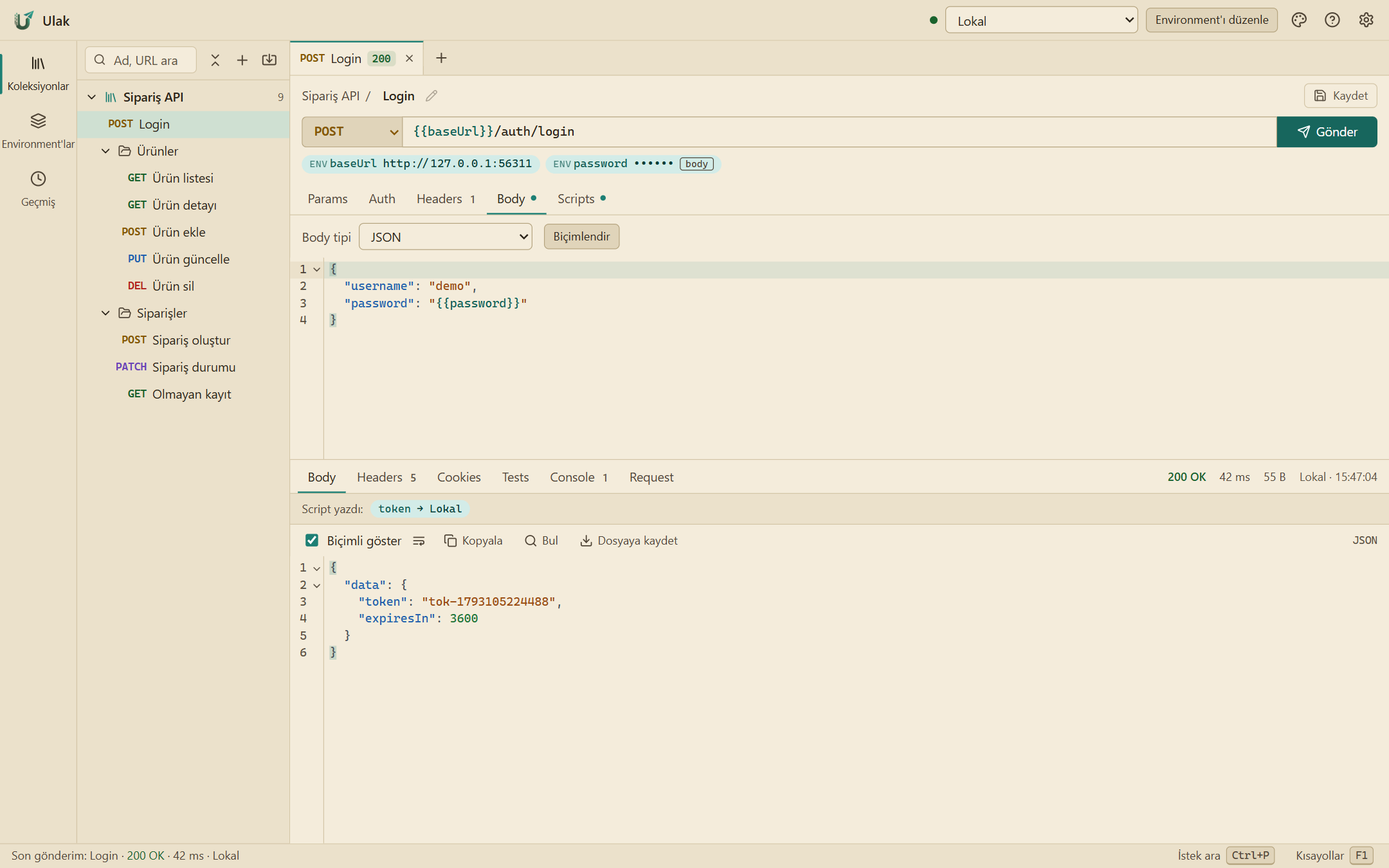
Ulak is a client for building and sending API requests on your own computer. No account to create, no collections on someone else's server; it opens Postman files as they are and gives them back the same way.
- No account
- Install it and open it. No sign-up, no sign-in, no cloud sync.
- Postman compatible
- Collection v2.1 and environment files import and export without loss.
- Written in Rust
- A small, fast, native app built on Tauri.
- Turkish and English
- The interface and error messages in both.
Your Postman files stay as they are
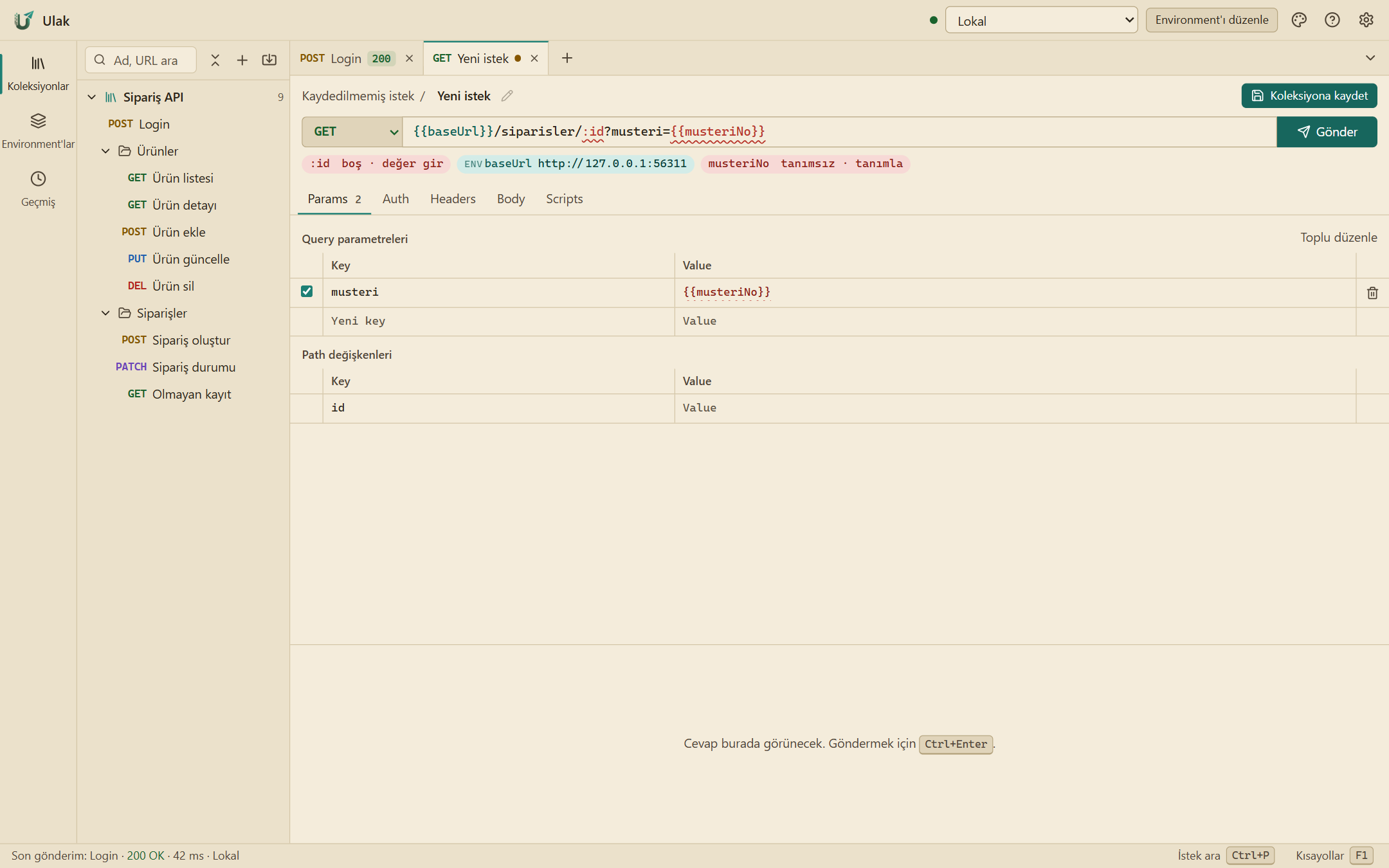
Import a collection, an environment, a Swagger/OpenAPI document or a cURL command. Ulak keeps the fields it does not use too, so Postman sees the same file when you export.
- Postman Collection v2.1 and environments
- Swagger/OpenAPI from a link
- Paste cURL, get a request
Variables where you can see them
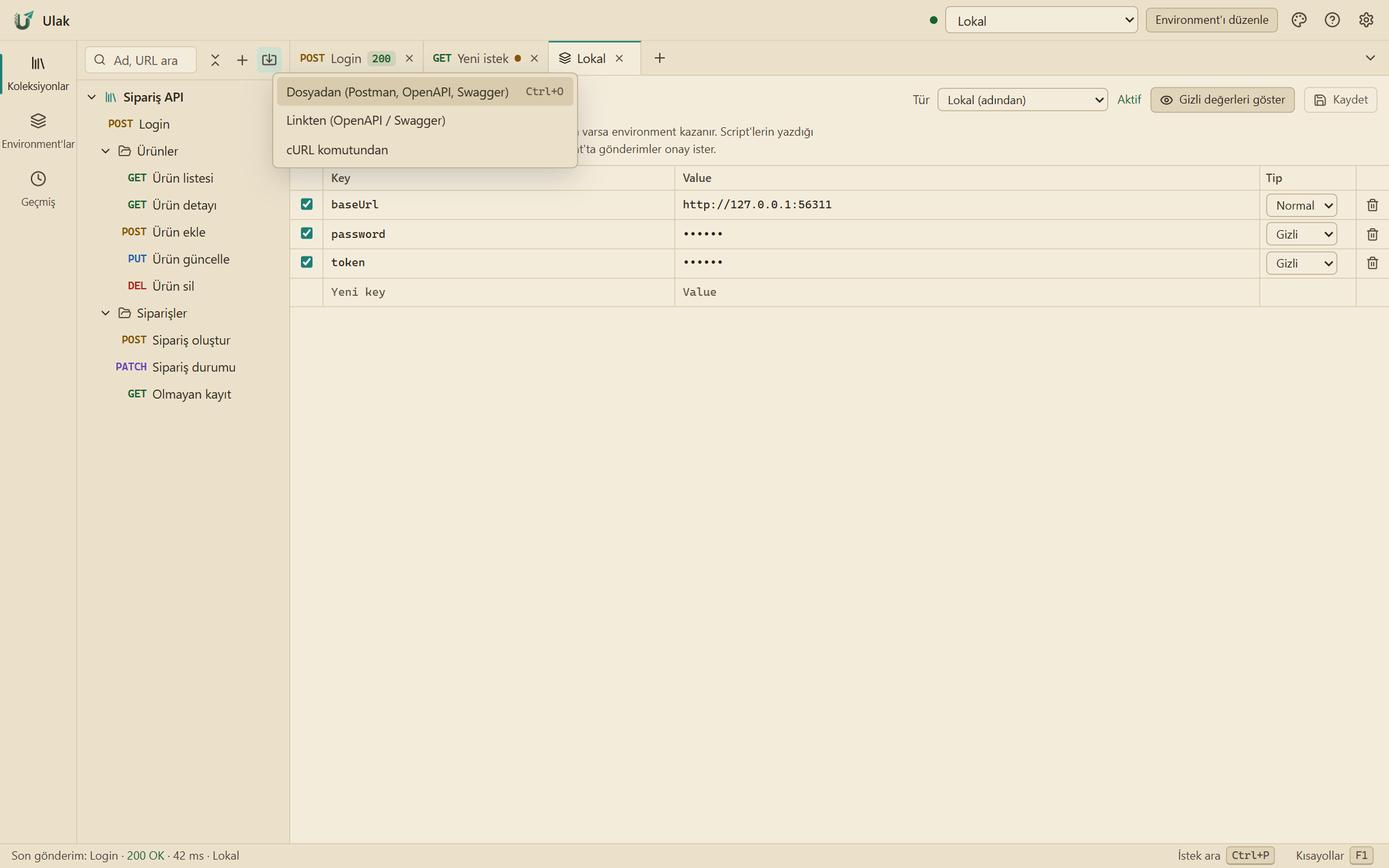
Every {{variable}} in the URL shows its value and where it comes from right below. Undefined ones light up red; one click defines them in the right place.
- Environment, collection and global precedence
- Secret values masked
- A last check before sending
Watch streams live
Server-Sent Events and NDJSON responses are listed event by event as they arrive. On a WebSocket you save your messages and see incoming and outgoing in one stream.
- SSE and NDJSON, event by event
- WebSocket: saved messages, JSON view
- Search and copy events
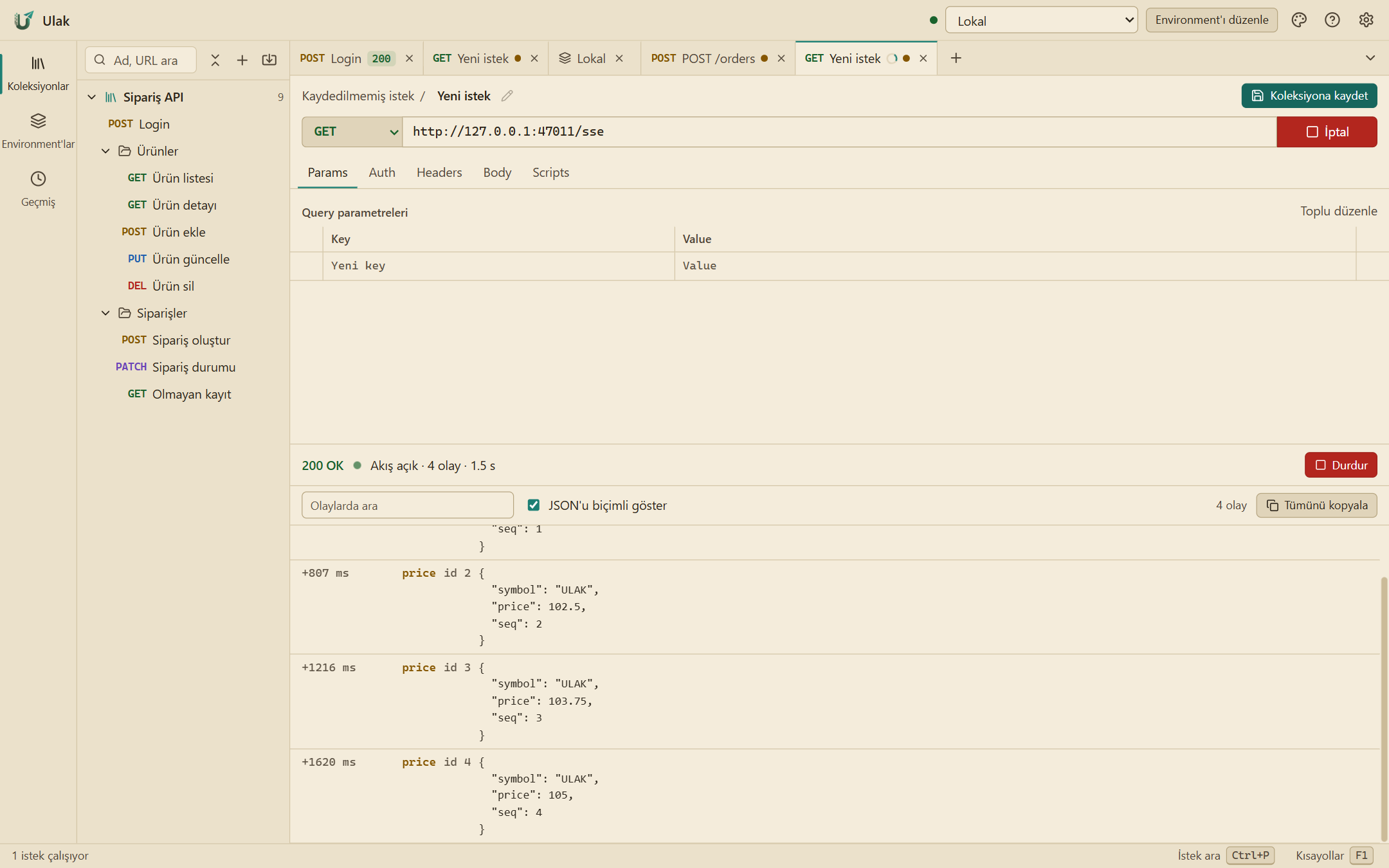
No separate tool for auth
Bearer, Basic, API key, Digest and OAuth 2.0 are built in. Ulak fetches the OAuth token and refreshes it when it expires; collections and folders pass auth down.
- OAuth 2.0: client credentials, password, authorization code + PKCE
- Digest (RFC 7616)
- pm.* scripts: pre-request and tests
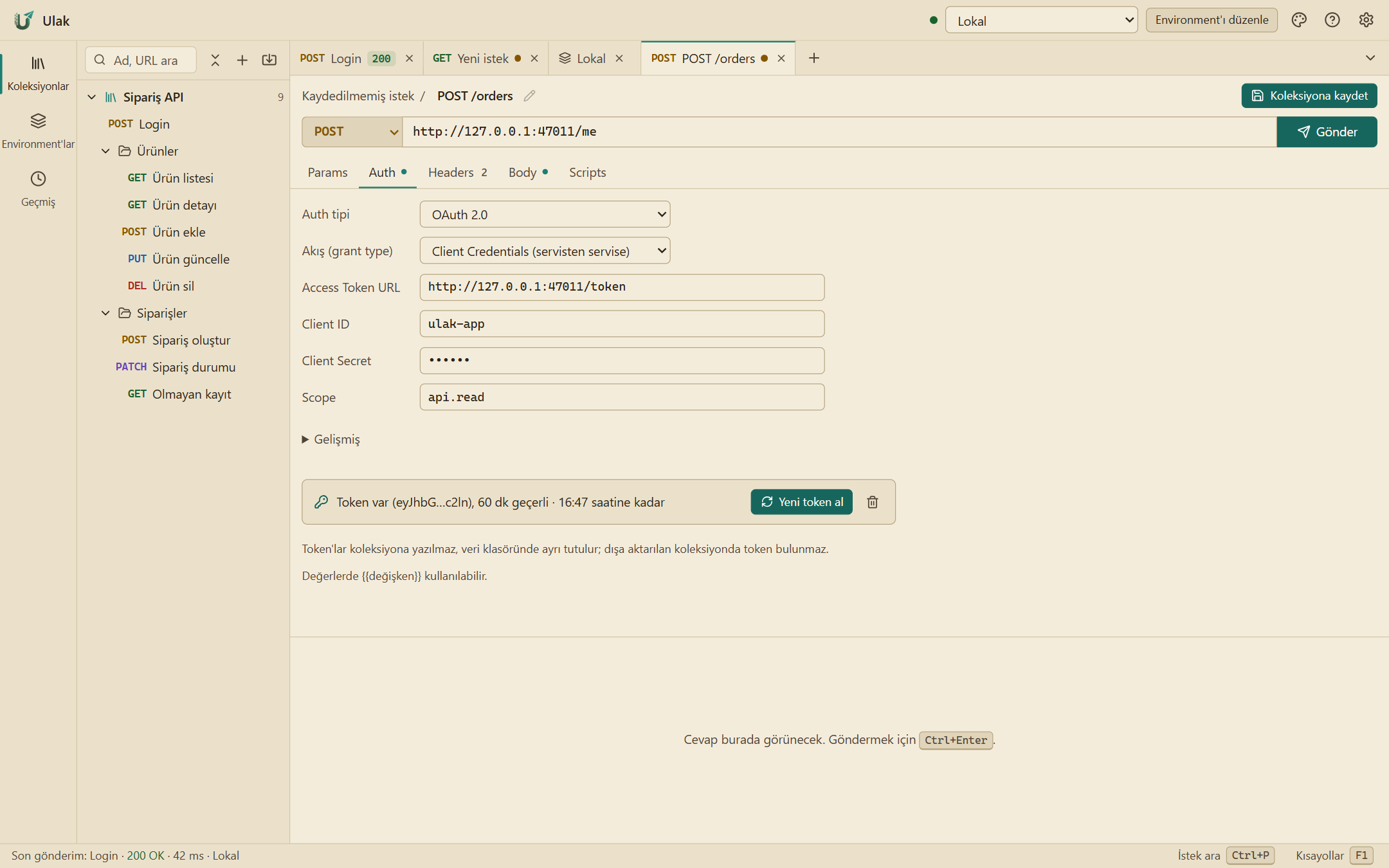
Without leaving the keyboard
Ctrl+P reaches every request, environment and command by typing. History keeps what you sent with its response.
- Command palette
- Send history
- Dark, night, light and sand themes
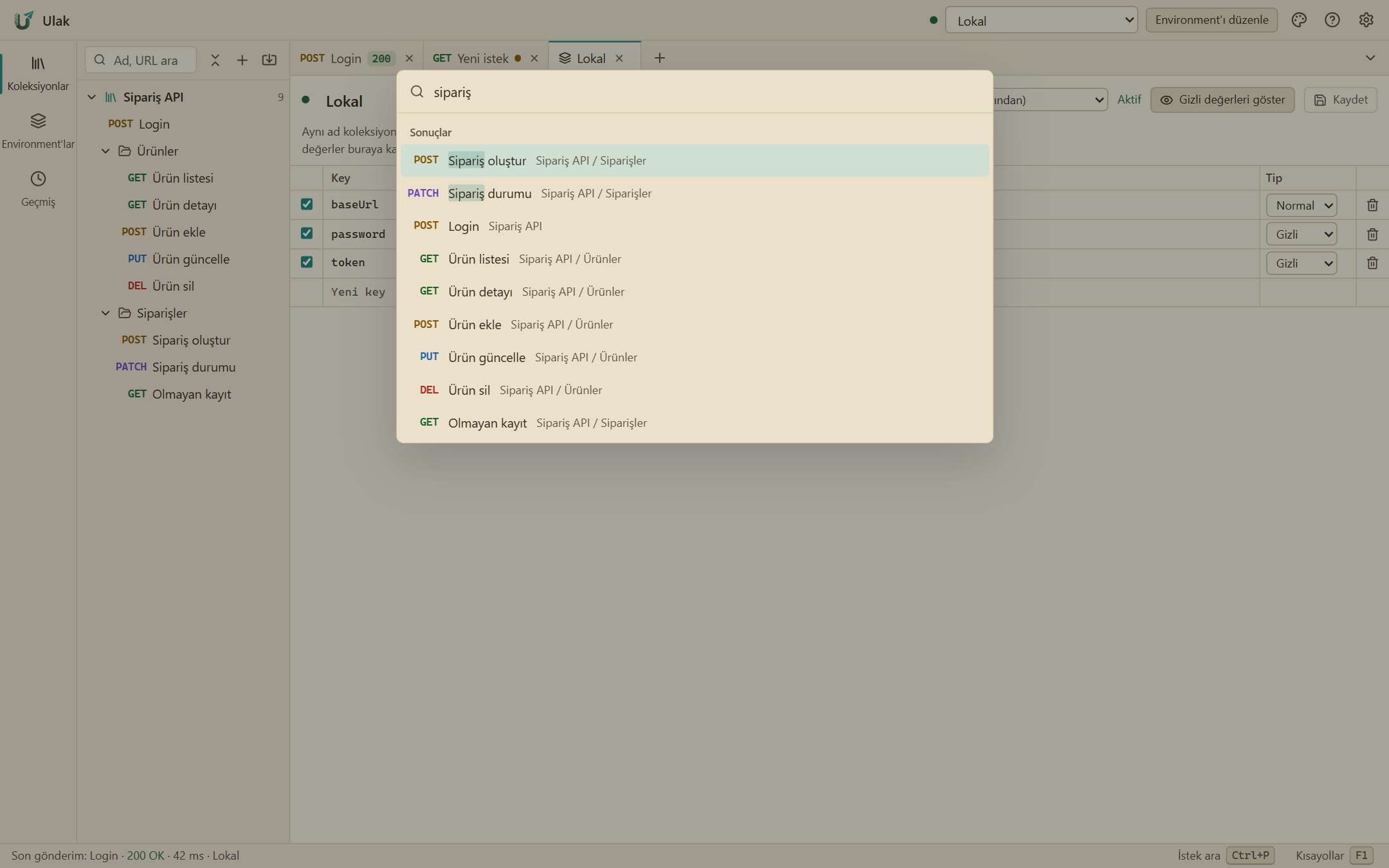
Try it without installing
The live demo is Ulak running in your browser. A sample collection is ready: log in, list orders, watch a price stream and a WebSocket. Your data stays in your own browser.
The browser only allows requests to addresses that permit CORS; download the desktop app for any address.